
For resellers, thrift sellers and small brands
Photos That Sell The Item.
One phone photo in, a listing-ready image out in about a minute. Clothing, jewelry, shoes.

5 free credits to start
- No studio
- About a minute
- Stains and wear stay honest
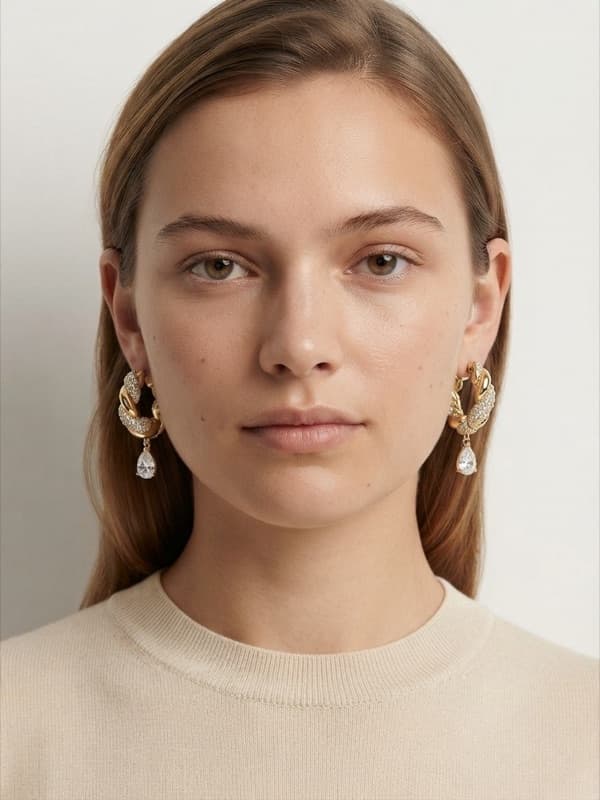 Model Showcase · 4 credits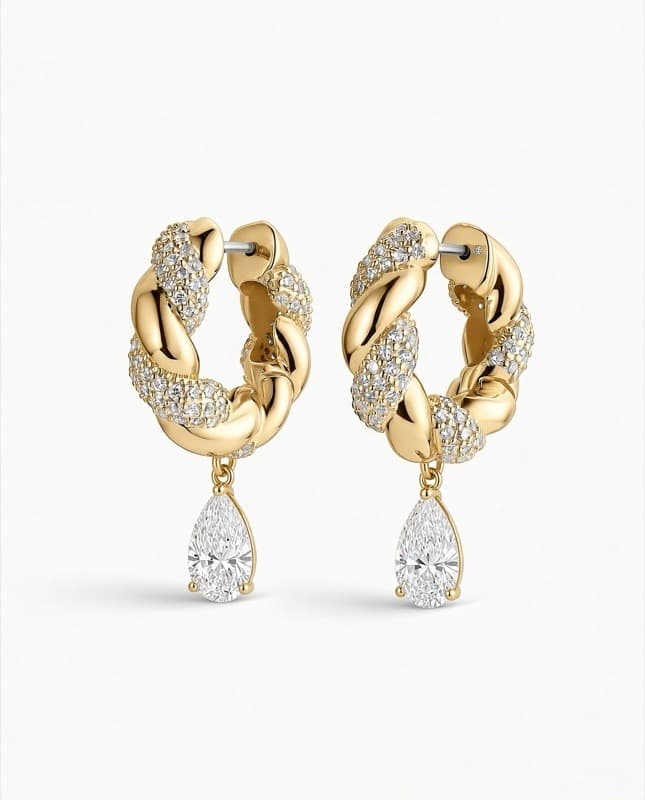
Templates
Looks that sell.
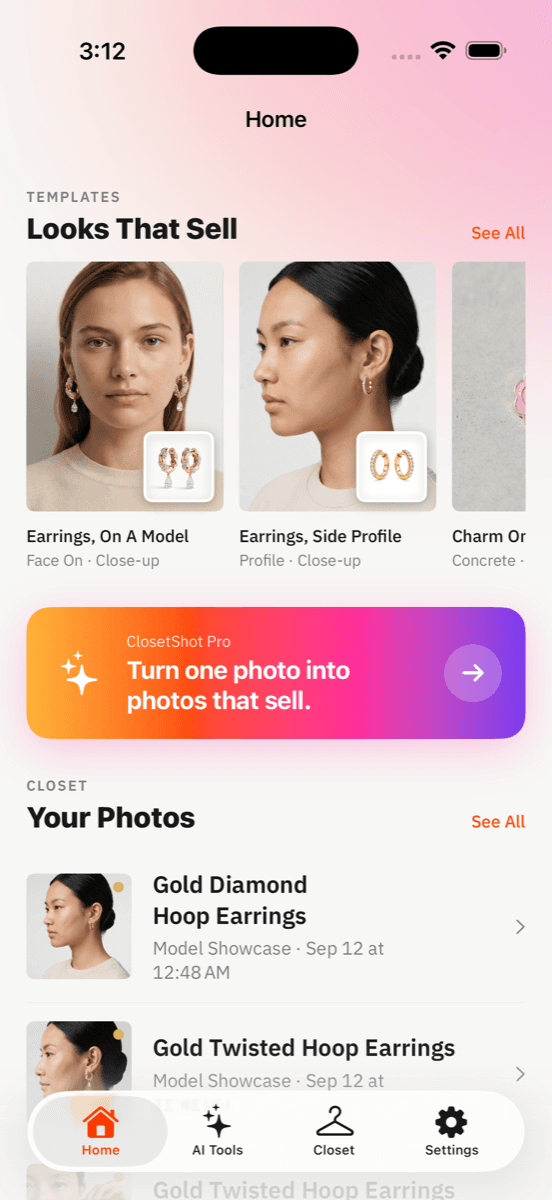
The same eight templates you get in the app. Tap one and every option that made the look is already chosen.
Earrings, On A Model
Face on · Close-up
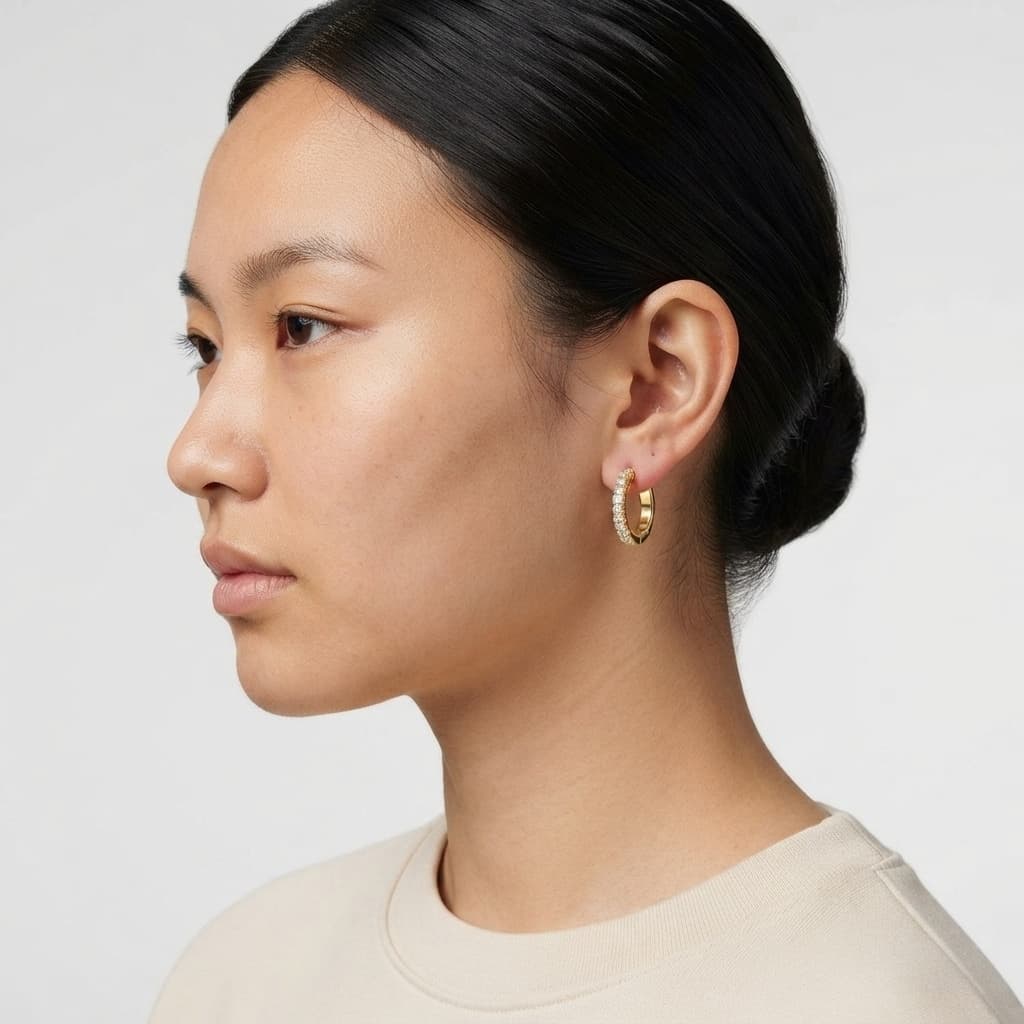
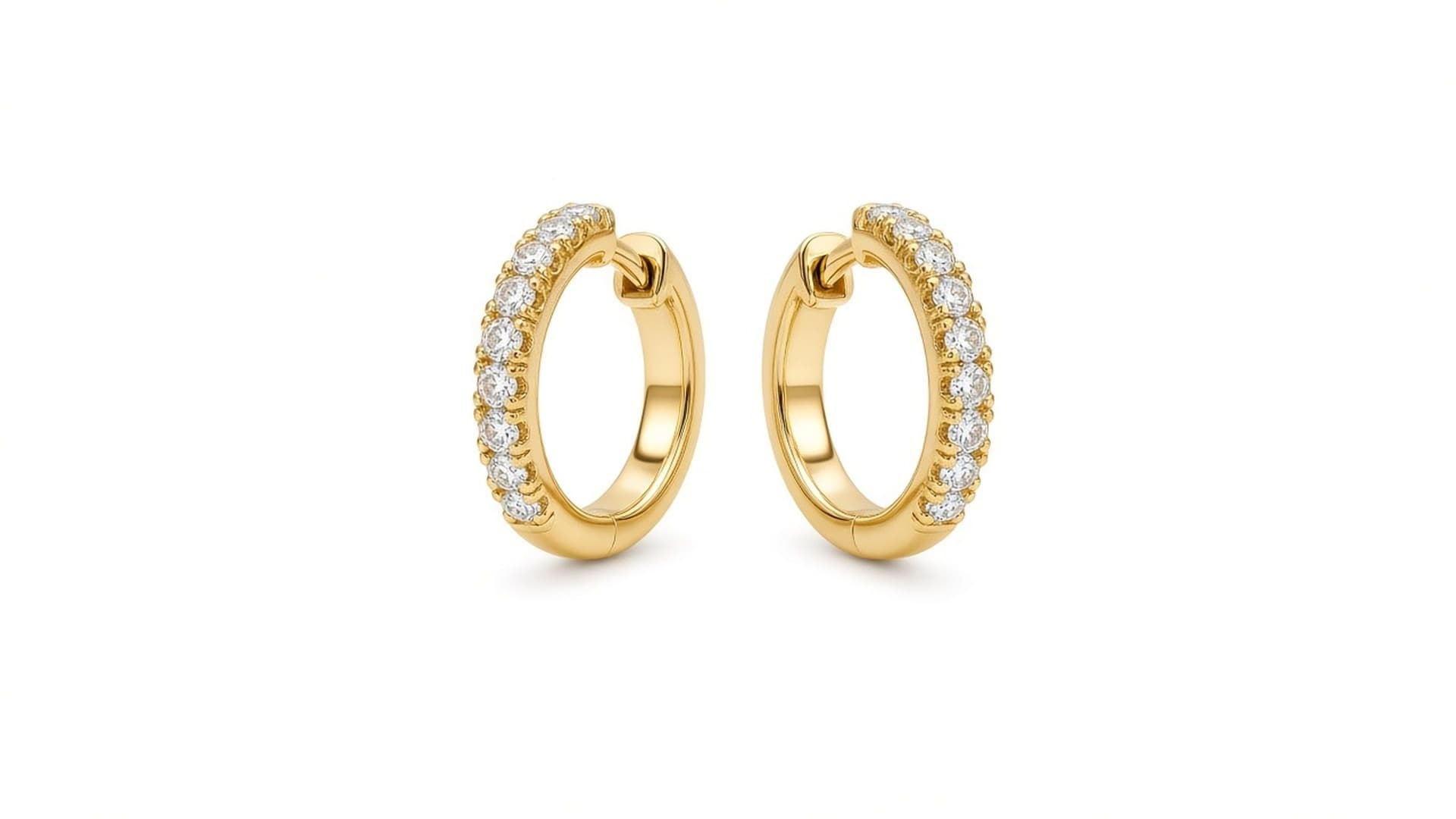
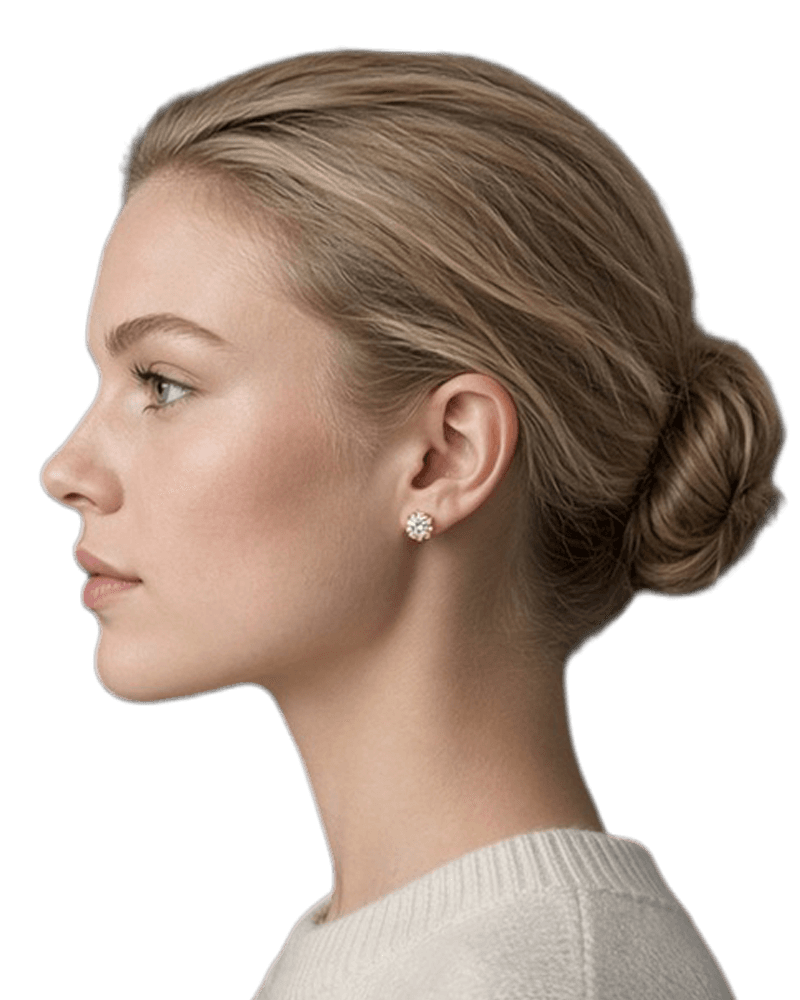
Earrings, Side Profile
Profile · Close-up
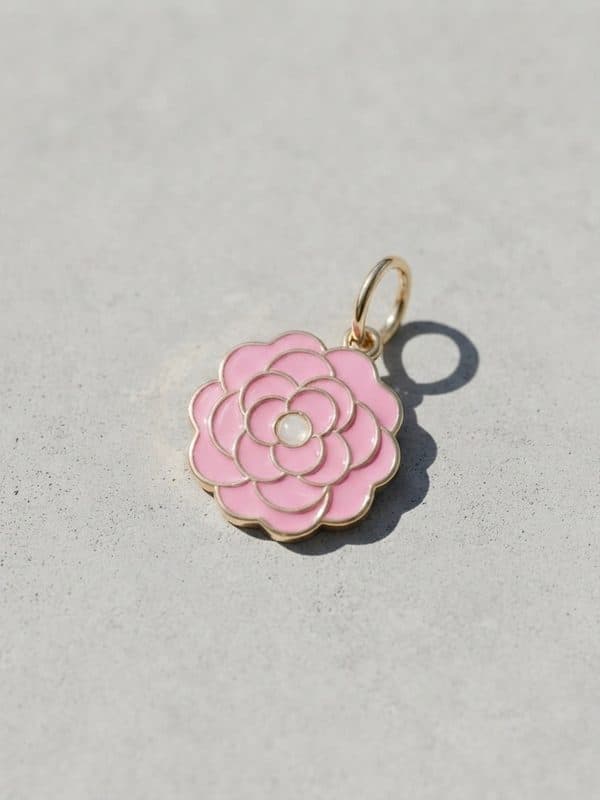
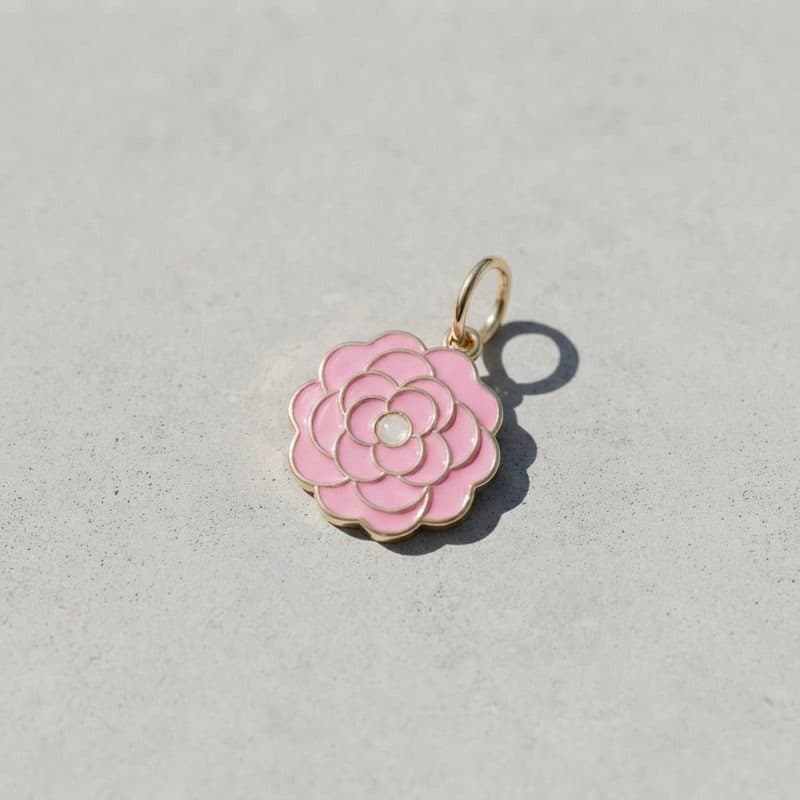
Charm On Concrete
Concrete · Soft light
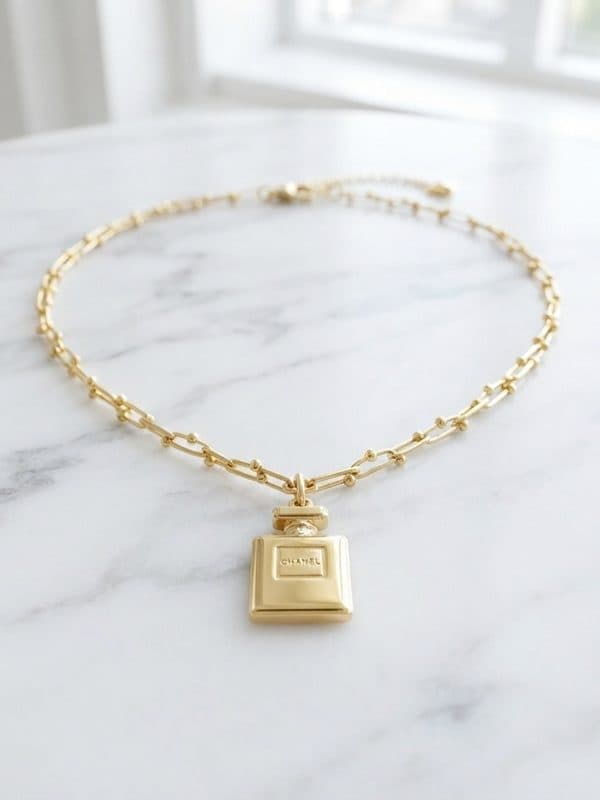
Necklace On Marble
Marble · Flat
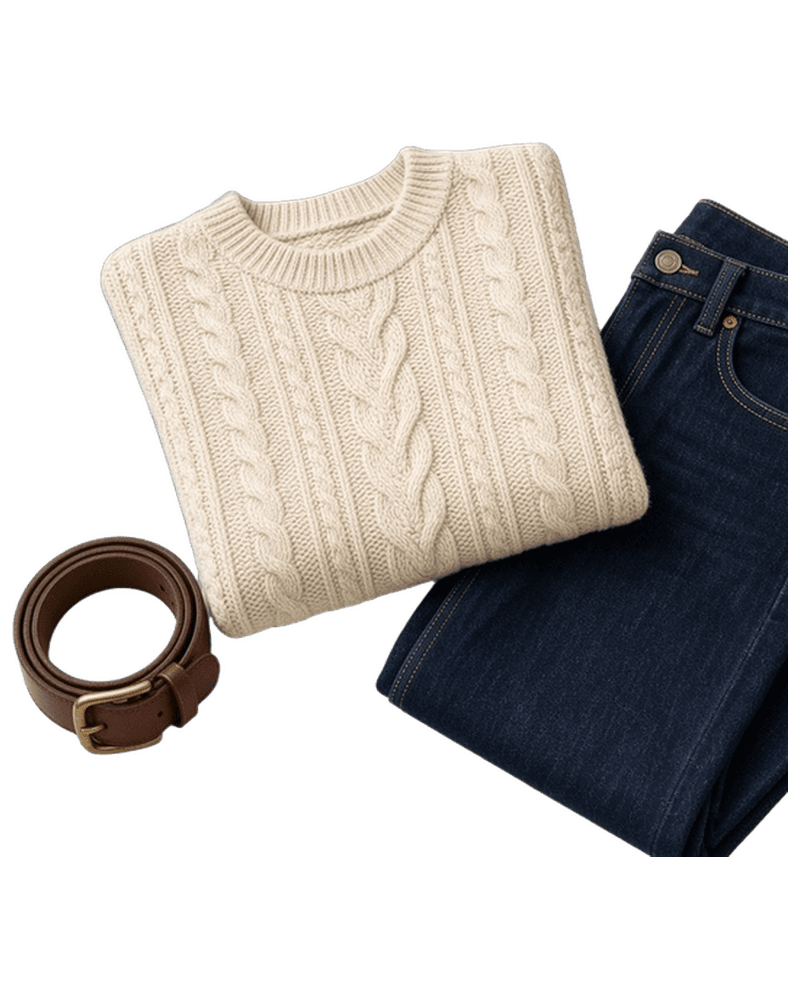
Sweater Flat Lay
Folded · Styled
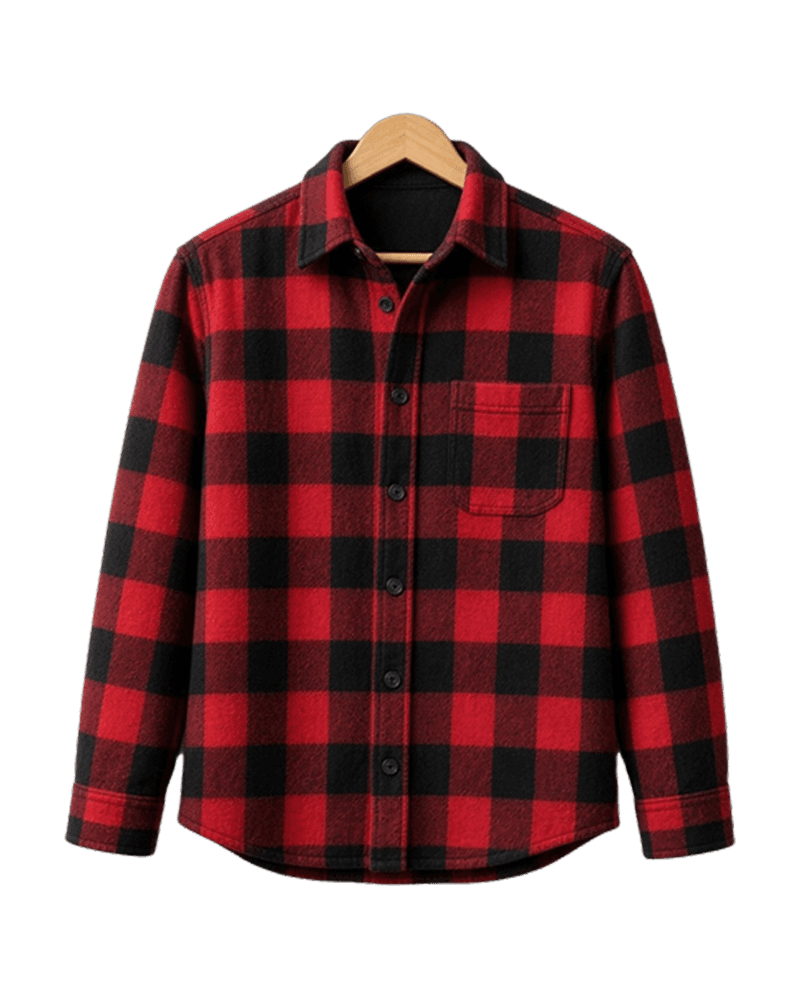
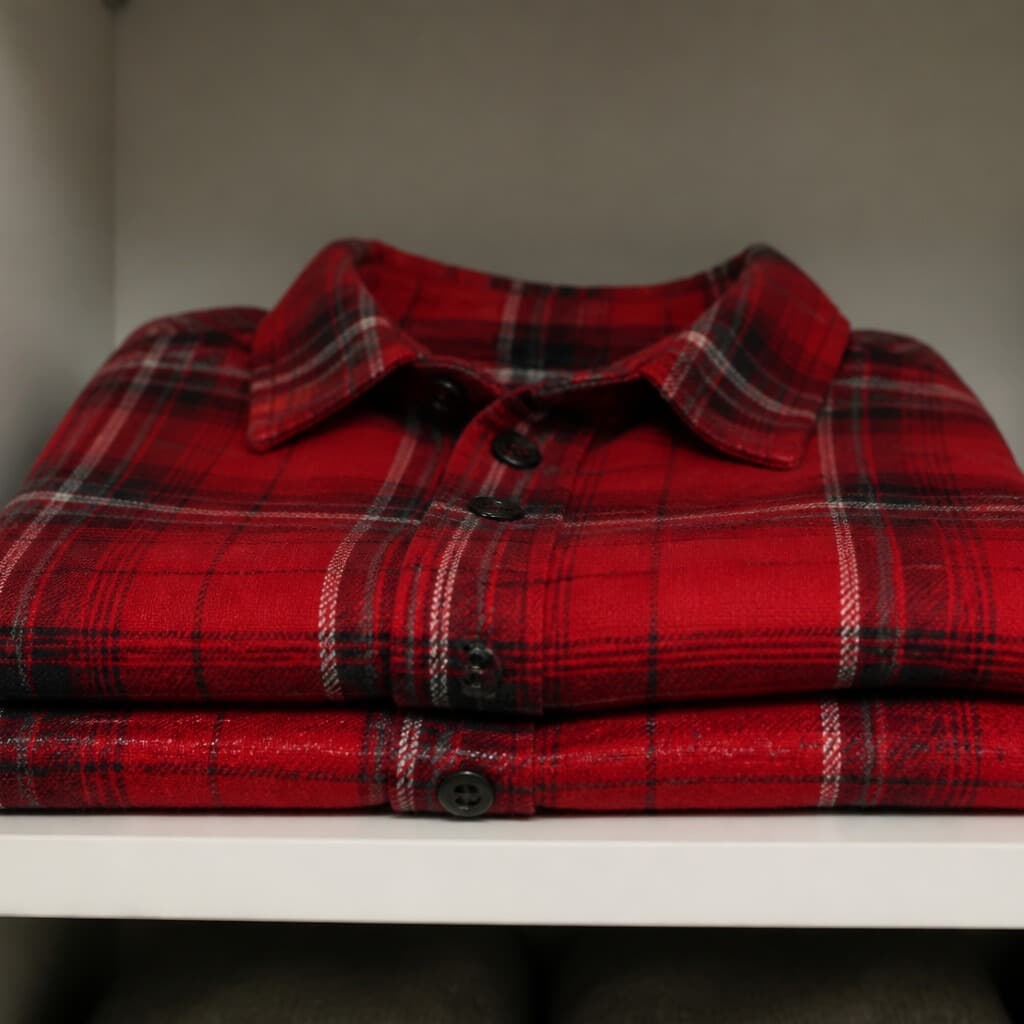
Shirt On A Hanger
Wood hanger · Clean wall
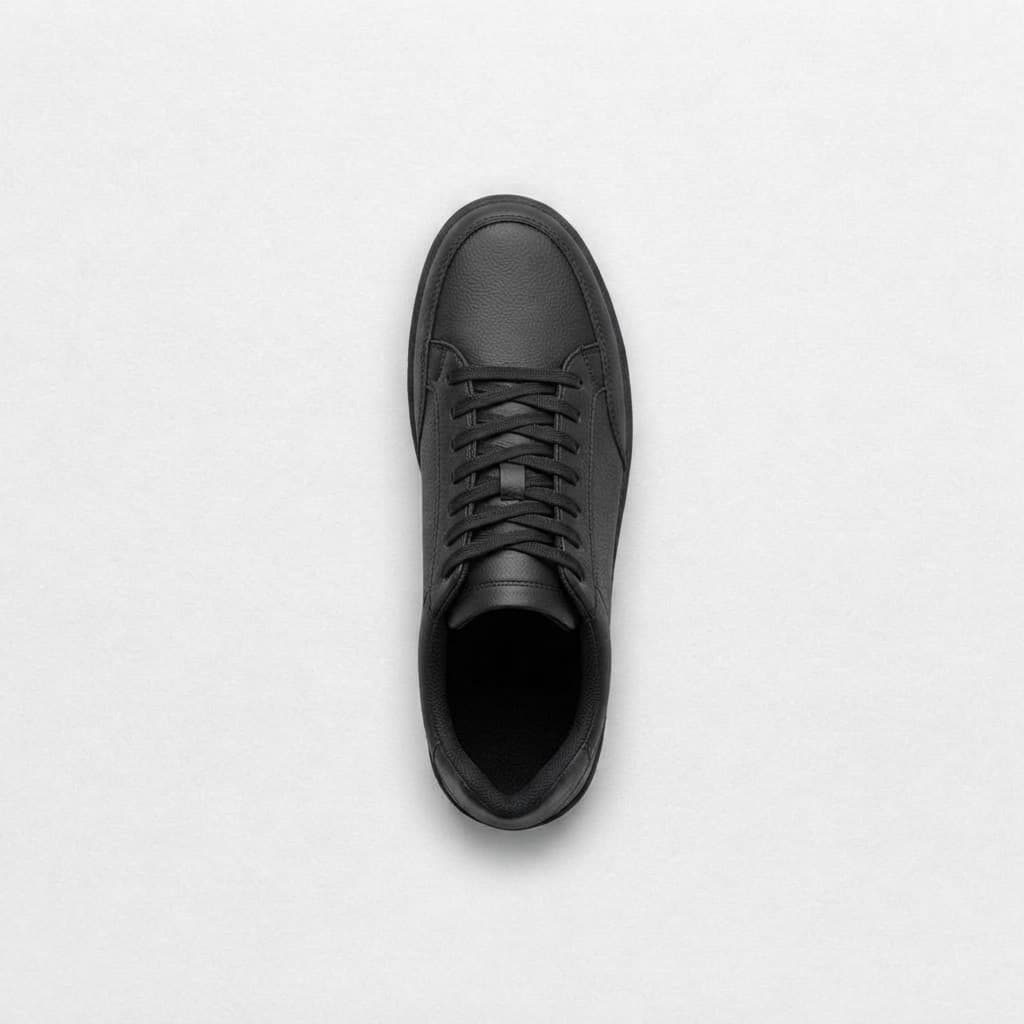
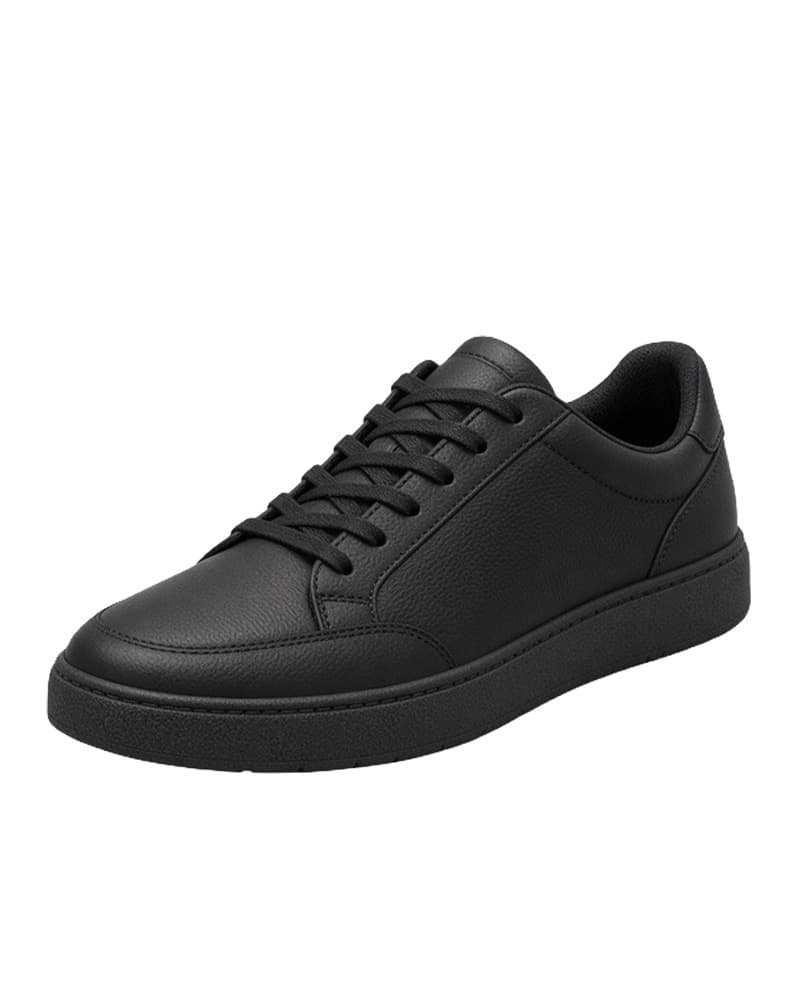
Sneakers On White
Seamless white · 3/4 view
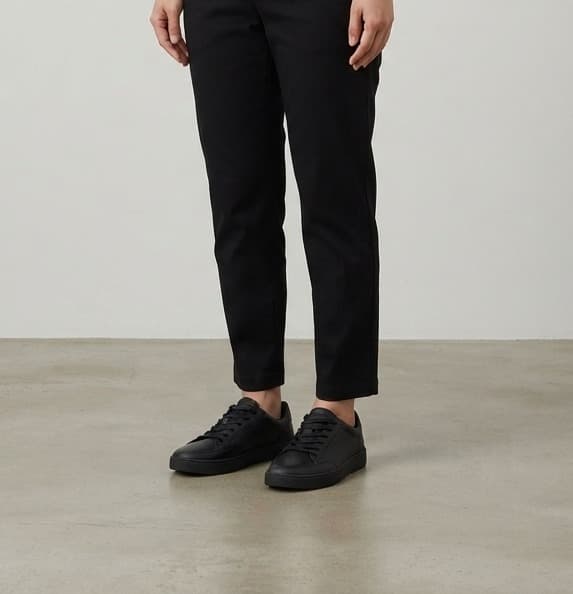
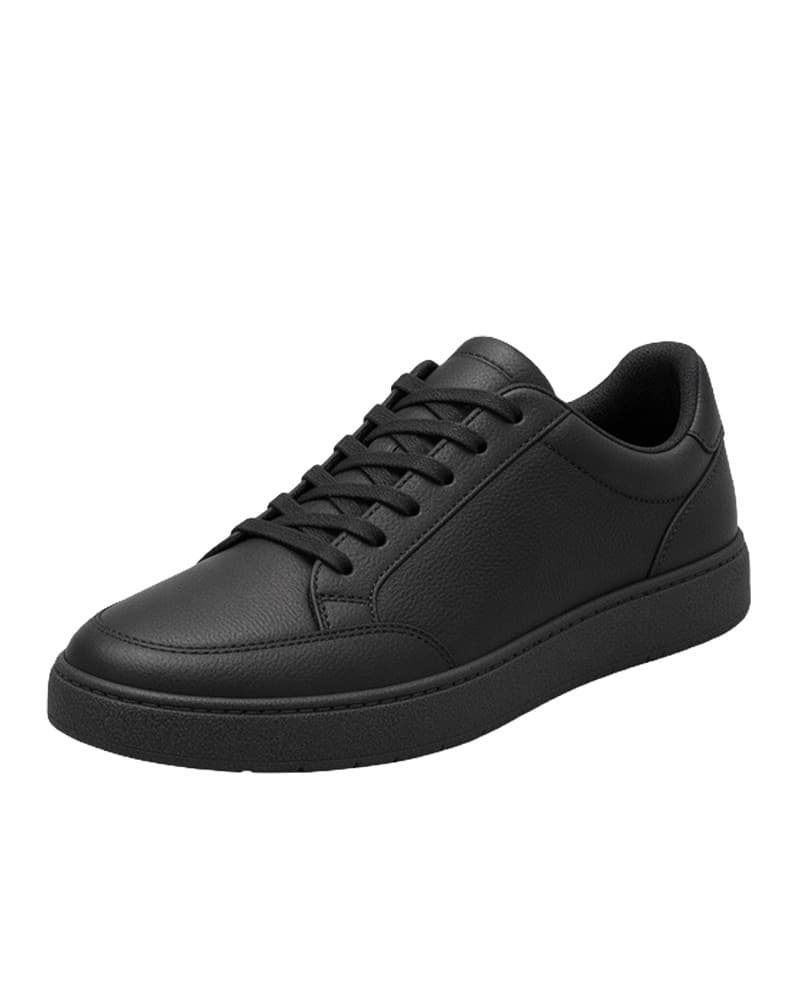
Sneakers, Worn
On a model · Street
AI Tools
Enhance your product photos.
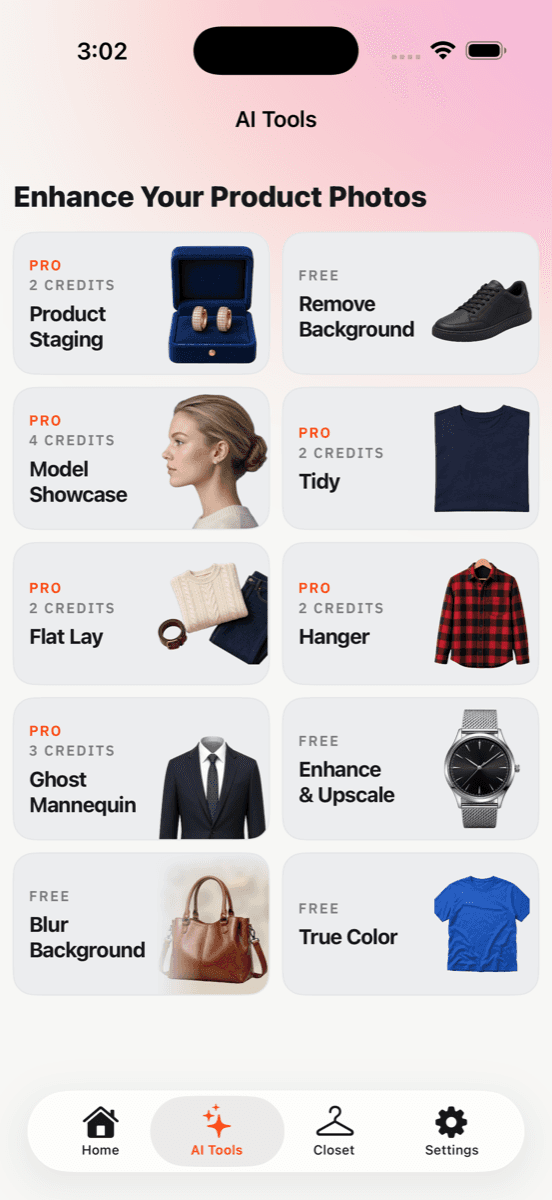
Four tools run on your phone and are always free. Six run in the cloud and use credits.
pro2 credits
Product Staging
Studio surfaces and scenes

free
Remove Background
On your phone
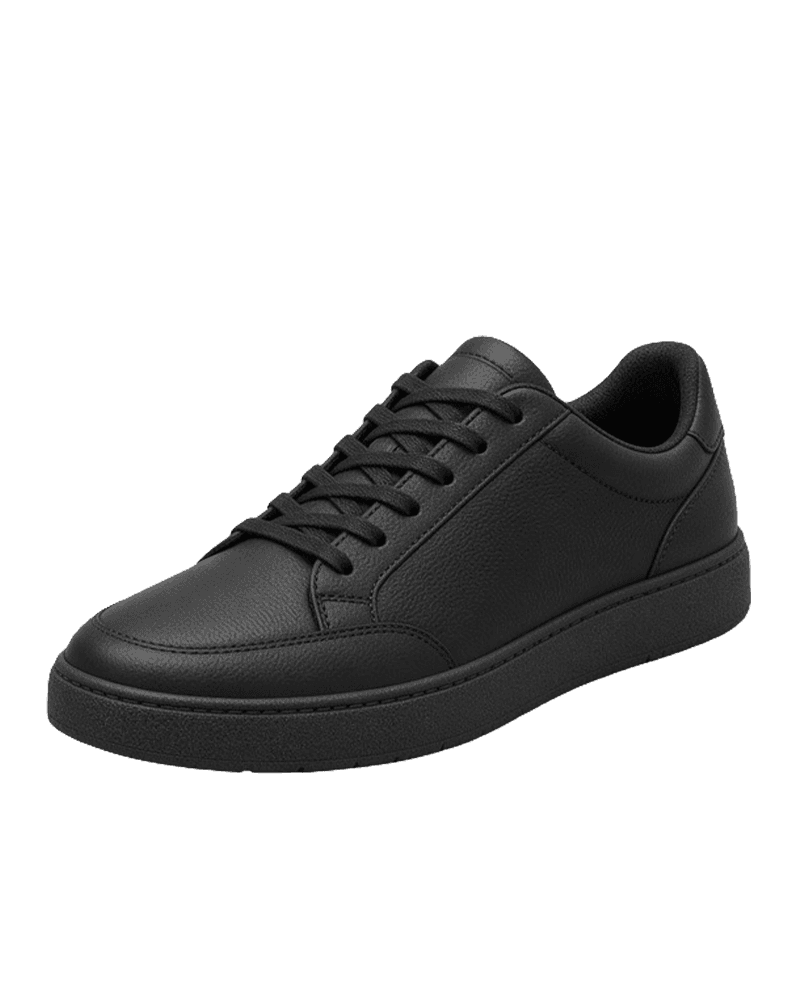
pro4 credits
Model Showcase
Worn by an AI model
pro2 credits
Tidy
Wrinkles out, item untouched
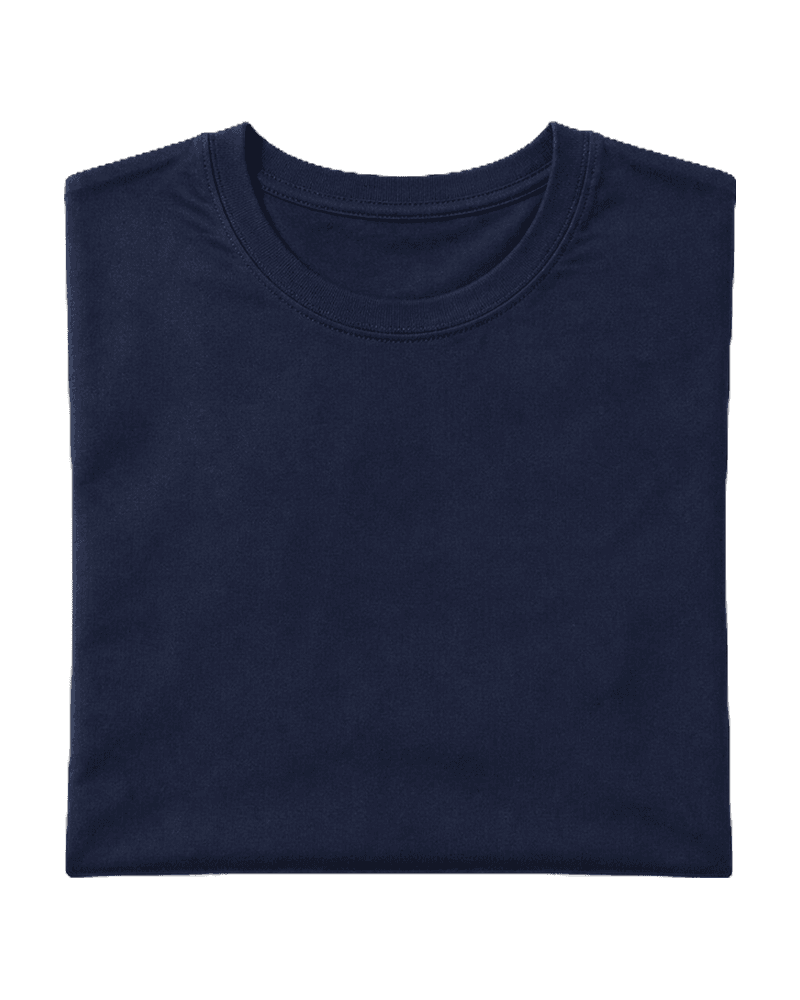
pro2 credits
Flat Lay
Folded and styled
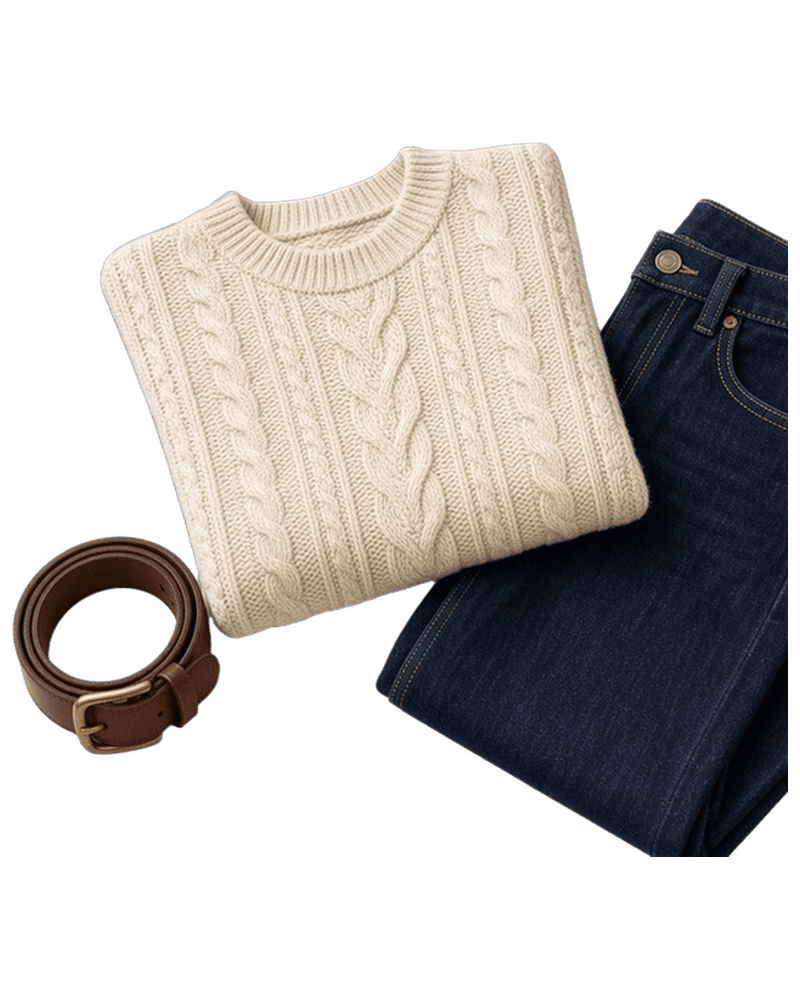
pro2 credits
Hanger
Hung straight
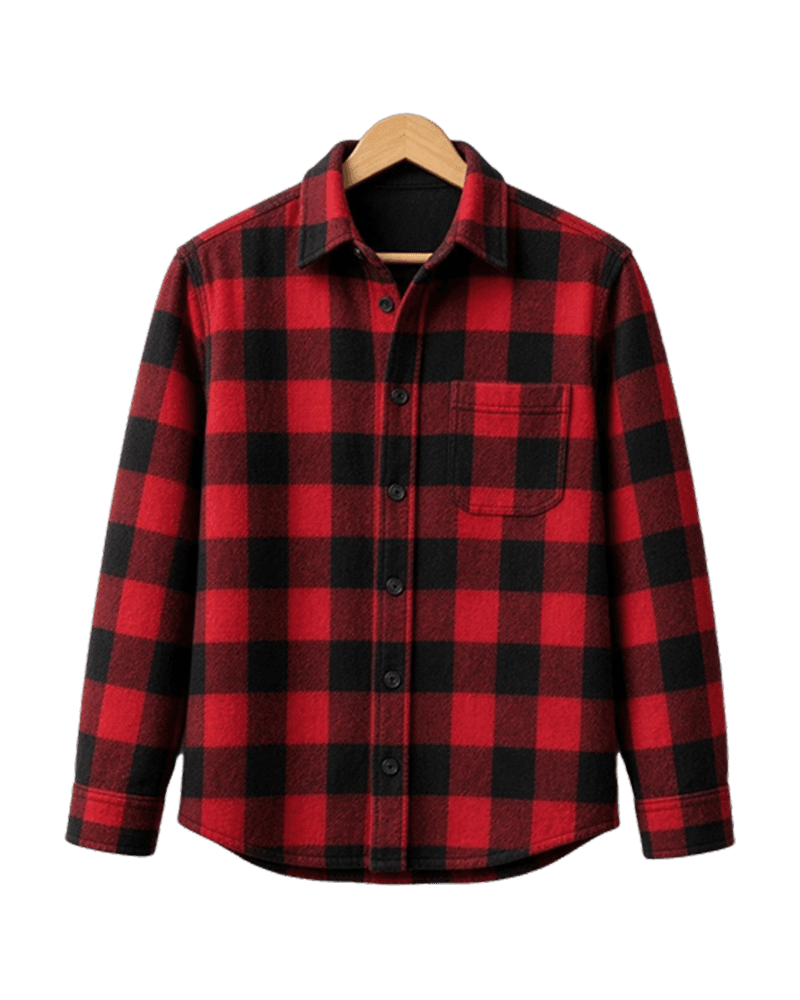
pro3 credits
Ghost Mannequin
The real shape, no mannequin

free
Enhance & Upscale
On your phone
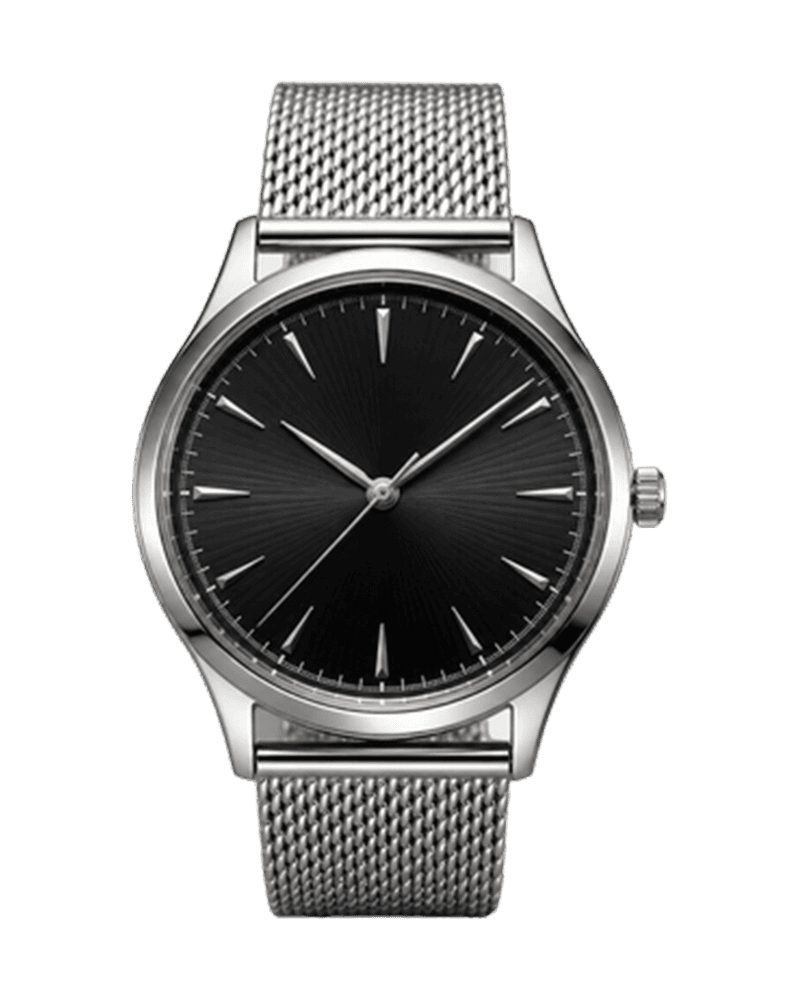
free
Blur Background
On your phone
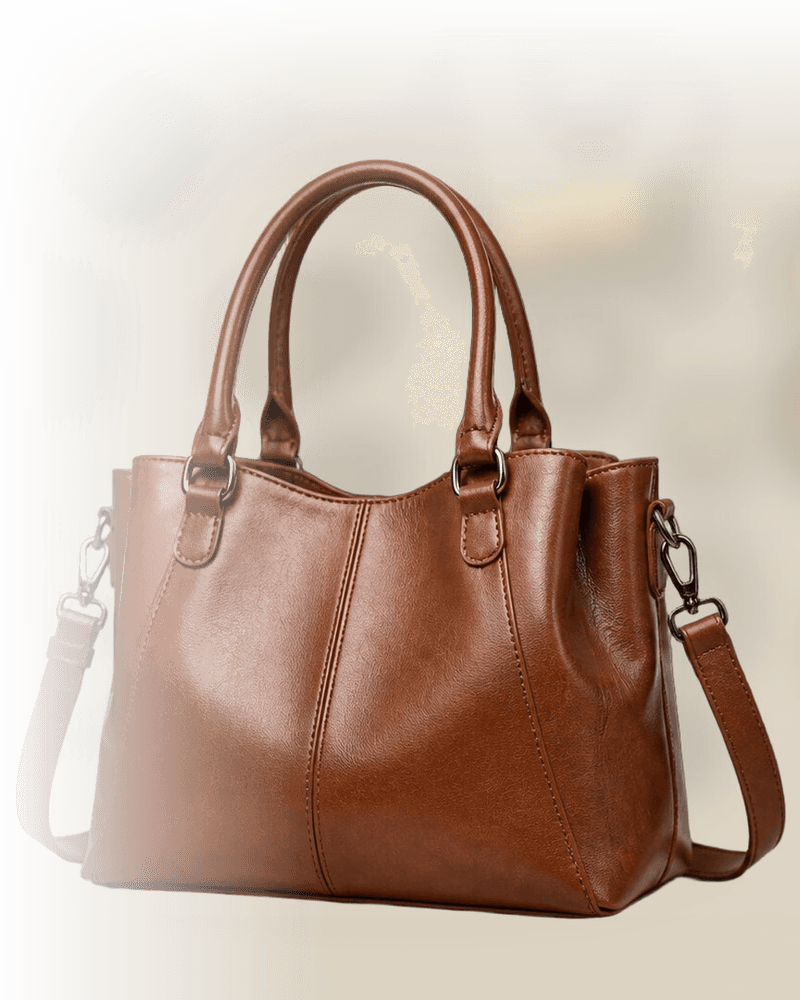
free
True Color
On your phone
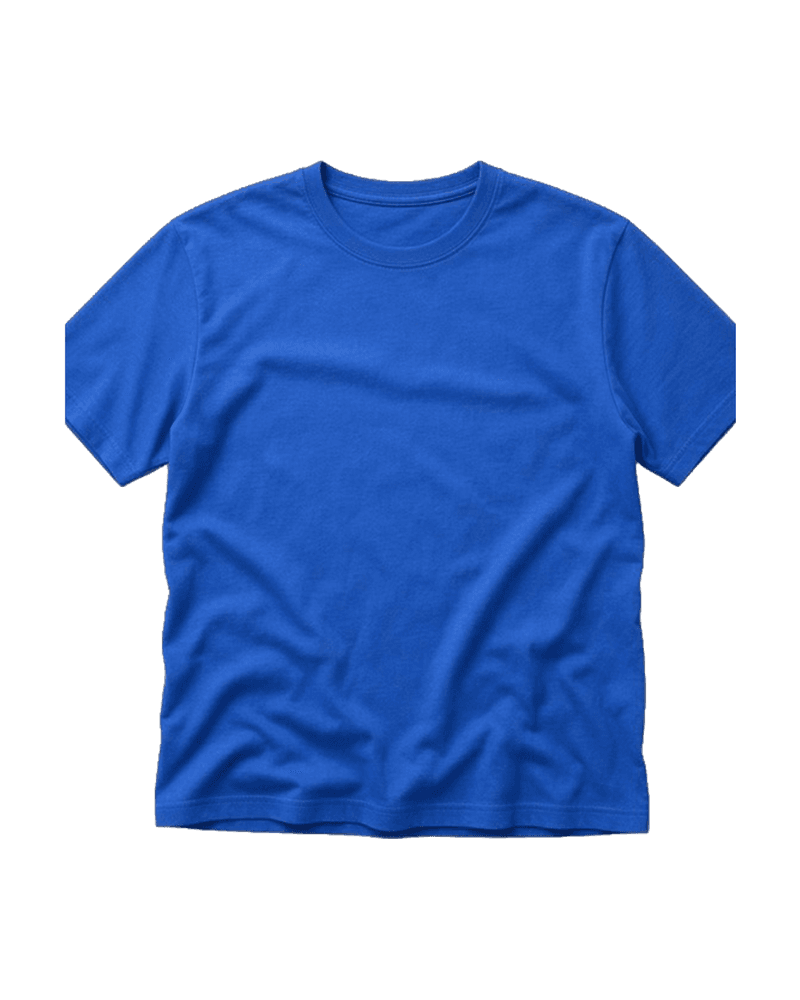
Three steps
How it works
- 01
Add it
From your camera or photo library. One photo of the item is enough.
- 02
Choose a look
A template, or any tool with its options. The app reads the item and picks the category for you.
- 03
Generate
A listing-ready image in about a minute. If a print or logo might change, it warns you before a credit is spent.
The app
Built for one job.
Templates on the home screen, every tool one tap away, and a credit balance that always tells you what the next tap costs.
What stays honest
Better photo. Same item.
Stains and wear stay visible
Marks, pilling and fading are kept on purpose. The buyer should see what you see.
Model images are labelled
Anything with a model or a new angle is AI-generated, and the app says so on the result.
You own the output
Use it in listings, stores and ads. You are responsible for shipping the item in the photos.
Pricing
Start free. Pay for what you make.
Every new account gets 5 free credits. The four on-device tools never use any.
- Standard photo2
- Ghost Mannequin3
- Model Showcase4
- On-device toolsFree
Credit pack
70 credits
One-time. Never expires.
$4.99
Credit pack
160 credits
One-time. Never expires.
$8.99
Subscriptions renew automatically until you cancel in iOS Settings. Cancel any time. Unused plan credits do not roll over. Pack credits never expire. Prices in USD; local pricing is set by the App Store.
FAQ
Questions
Will it change my item?
No. Colour, print, hardware and wear come from your photo and stay locked. Looks change the background, the presentation or the angle. Where a print or logo is at risk, the app warns you before a credit is spent.
Which marketplaces?
Any of them. Square, portrait and 4:5 sizes suit eBay, Poshmark, Depop, Vinted, Mercari, Etsy, Shopify and your own store. Save to Photos or share straight into the listing.
Logos and prints?
Plain and patterned items are the most reliable. Large graphics and text are read first. If a look is likely to distort them, you see a warning and can pick a safer one: Tidy, True Color, or a crop.
Do you keep my photos?
A photo is uploaded only to make the image you asked for, then deleted from our servers after the job finishes. Results live on your phone and in your account history until you delete them. See Privacy.
Commercial use?
Yes. Images you make are yours to use in listings, stores and ads. Make sure the listing matches the item you ship.
How do I delete my account?
In the app: Settings → Account → Delete Account & All Images. Or email hello@closetshot.com from the address on the account. That removes the account, credits, job history, and uploaded and generated images. Purchases are managed by Apple. Full instructions.
Photos that sell the item.
Free to start. Five credits, no card, about a minute per photo.